
SOURCE
Your watch’s app
The app your watch is already paired with. Health Bridge reads your daily totals out of it, and only reads.
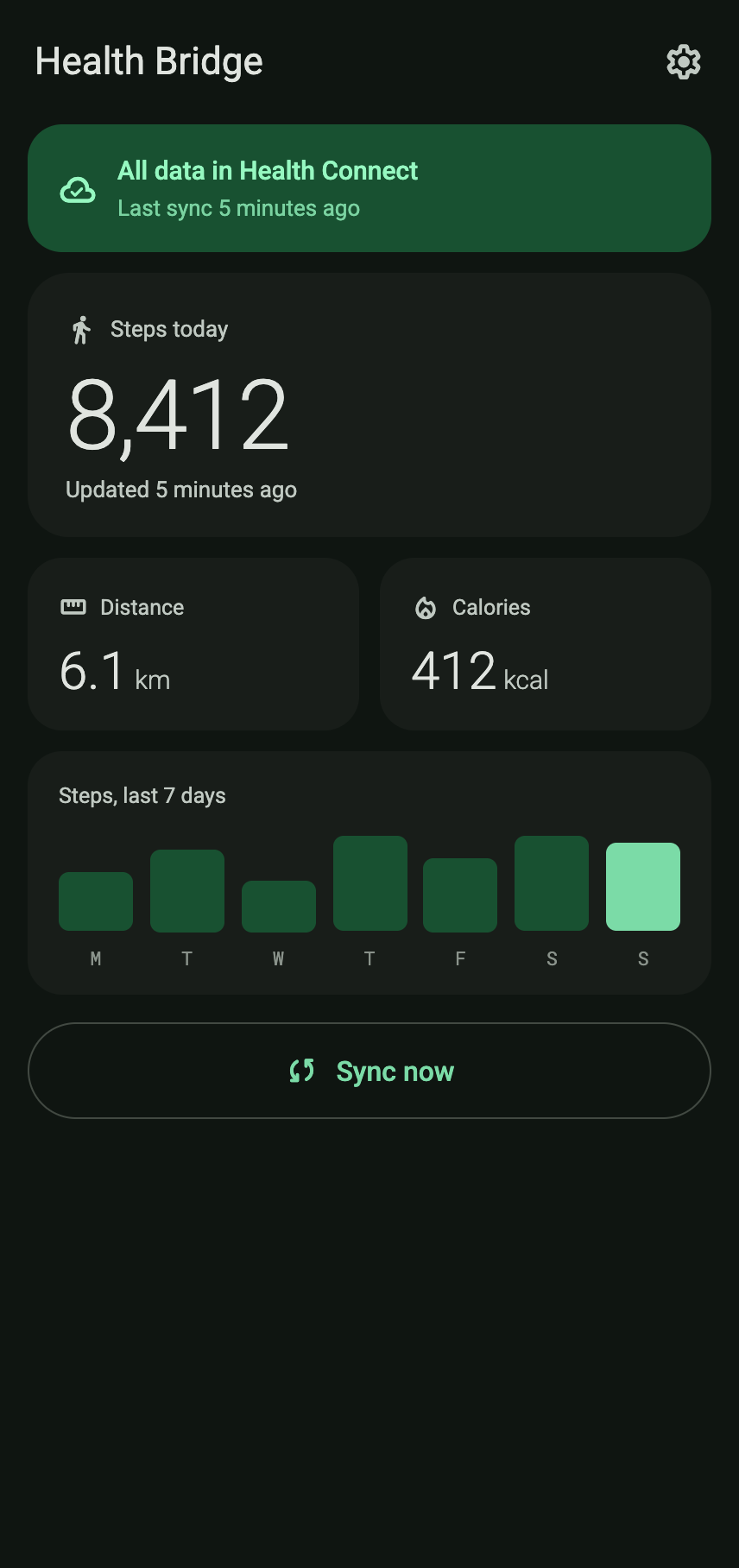
Health Bridge copies steps, distance and calories from your watch’s app into Health Connect, the health data store built into Android. From there any app you have authorized can read them.
Read-only: Health Bridge never writes anything back to your watch’s app.
Android 8.0 or newer. Requires Health Connect on the same phone.
How it works
The app your watch is already paired with. Health Bridge reads your daily totals out of it, and only reads.
Android’s own health data store, on the phone. Health Bridge writes your totals there, and any app you authorized reads them from it.
One direction only, and it keeps going: after the first connection Health Bridge syncs in the background on the interval you choose. You do not need to open it.
What it reads
Health Bridge asks for the smallest set of read permissions it can work with, and it asks only for reading. It never writes anything back to your watch’s app, and it reads nothing before you have granted consent.
Privacy
Everything happens on the device. Health Bridge reads from one app on your phone and writes into another, and that is the whole journey.
Processing happens locally, on your phone.
There is no backend and no cloud of ours.
We have no account for you, and no analytics.
No advertising and no in-app purchases.
Free to use, with nothing to unlock.
You can withdraw access at any time: Settings → Disconnect and delete authorization. Full detail in the privacy policy.
The app
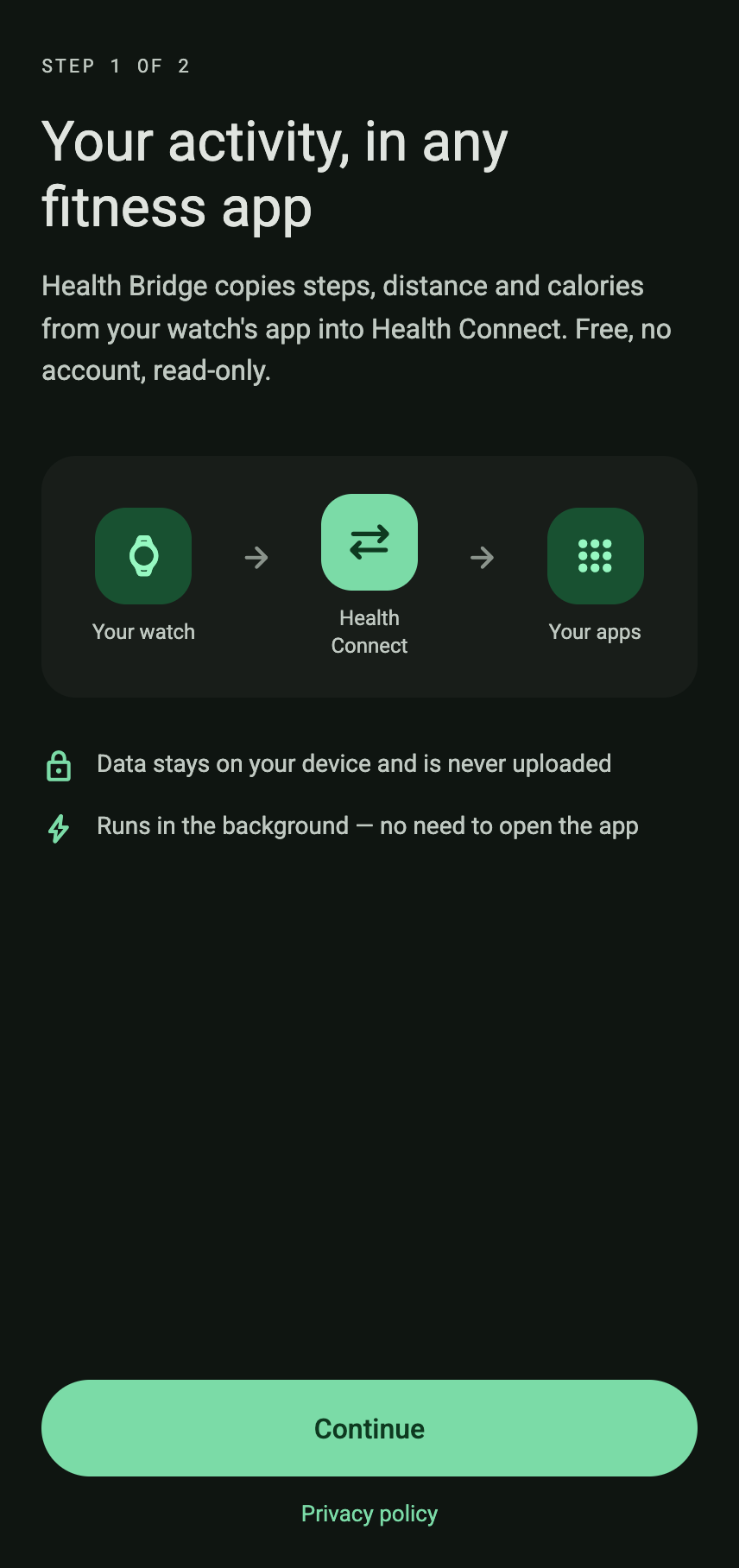
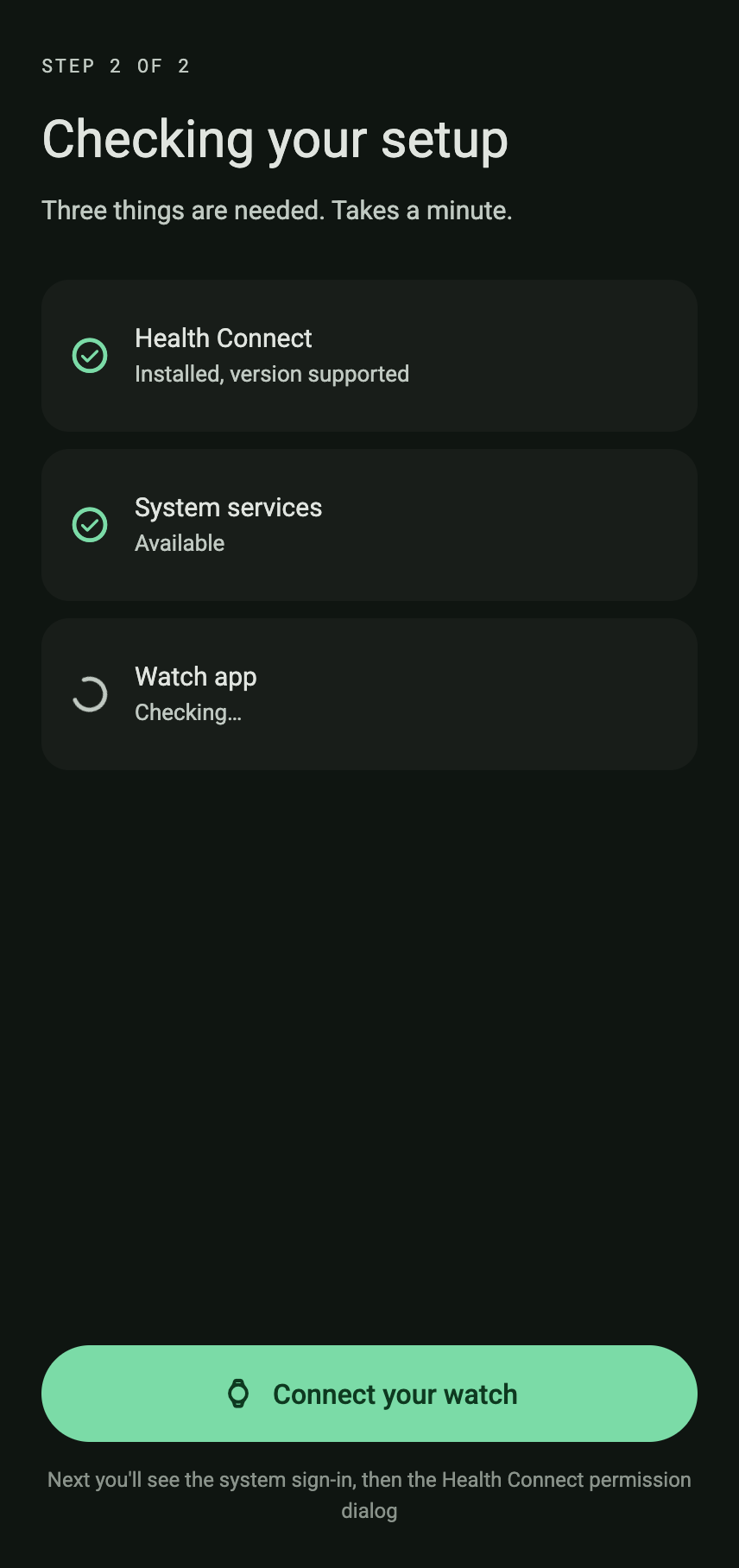
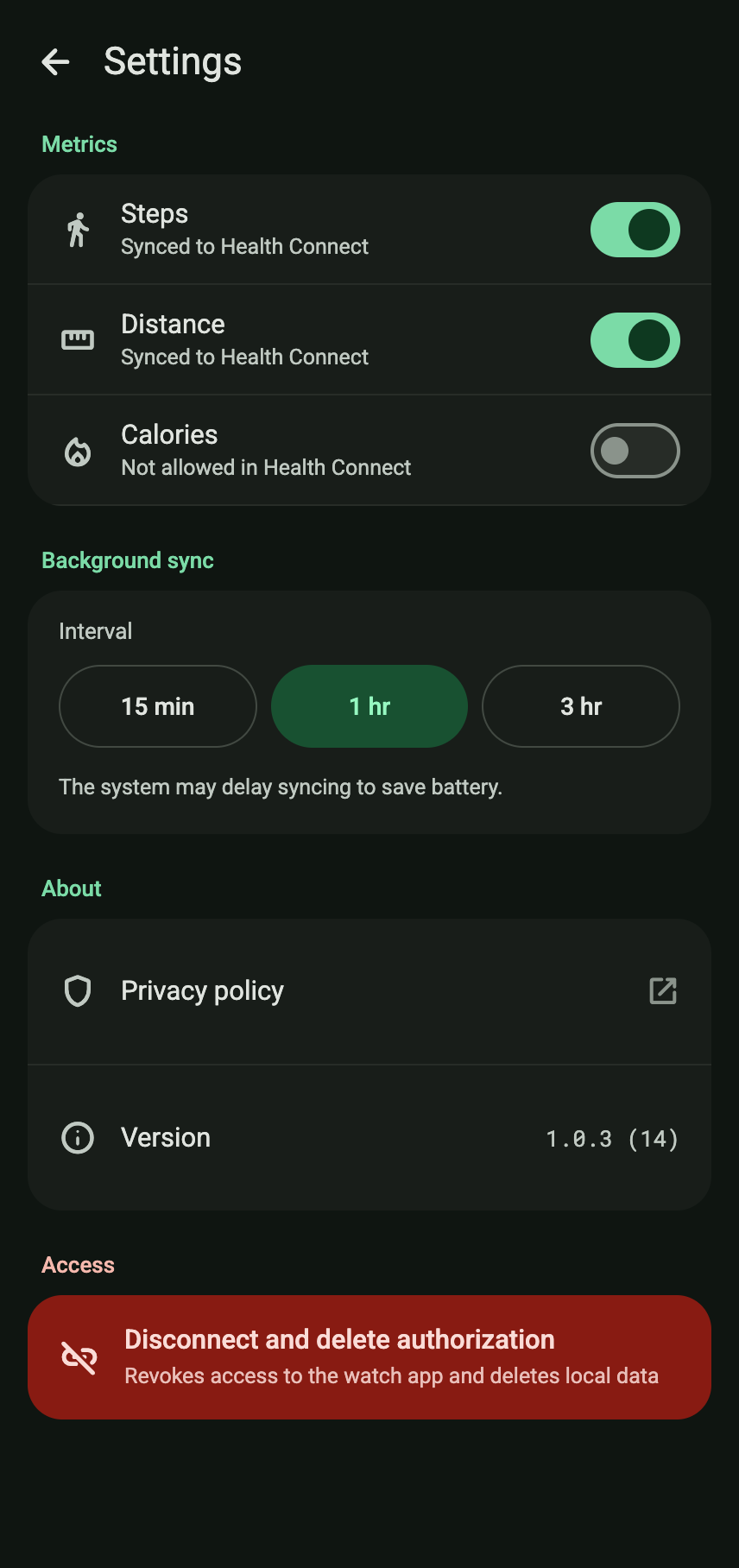
Free, no account, read-only. Install it, connect your watch once, and it keeps your data flowing into Health Connect.
Not published yet. Both links are placeholders until the store listing and the APK are live.